
Searching Gallia County Cases by Name
First identify the court rather than treating a name as a countywide search key. Common Pleas felony, General Division civil, and Domestic Relations matters begin with Gallianet eAccess. Municipal misdemeanors, traffic, small claims, evictions, civil matters below $15,000, and felony preliminary matters begin with CaseLook. The research did not verify a name field for either live portal, so a field-by-field name-search recipe would be inaccurate.
- Use the notice, ticket, caption, or case paper to identify the court and division before opening a portal.
- For Common Pleas, open the court-published eAccess Case Search route and use only the choices the live form currently displays.
- For Municipal Court, open CaseLook, accept its notice if proceeding to Record Search, and use only the fields revealed in that live session.
- Match any returned court, caption, status, and case information against the paper in hand, then ask the keeper of the record to verify a needed document or current date.
| Field Label | Type | Required | Notes |
|---|---|---|---|
| eAccess search controls | Browser-rendered form | Not captured | A JavaScript and browser-information handshake prevented a reliable field inventory. Do not infer a name, number, date, or dropdown label. |
| CaseLook disclaimer acceptance | Linked action | Required before search | Captured buttons are Cancel and Continue. Continuing accepts the court's notice. |
| CaseLook live search fields | Browser-rendered after acceptance | Not captured | The public entry page did not provide a durable, non-identifying capture of the live field labels. |
| Court and division identification | Reader workflow | Yes | This is not a verified portal field. It is the safe way to choose the local system that owns the case. |
Gallianet eAccess Is Gallia County Common Pleas' Published Link
The Court of Common Pleas publishes Gallianet eAccess Case Search, and the county Clerk site identifies the same system as Courts Online. That establishes the official route for Common Pleas General and Domestic Relations docket research. It does not establish the present labels, required inputs, result columns, document images, pricing, or export functions, because the form could not be fully inspected without completing its browser handshake.
See the officially linked Gallianet eAccess Case Search interface.
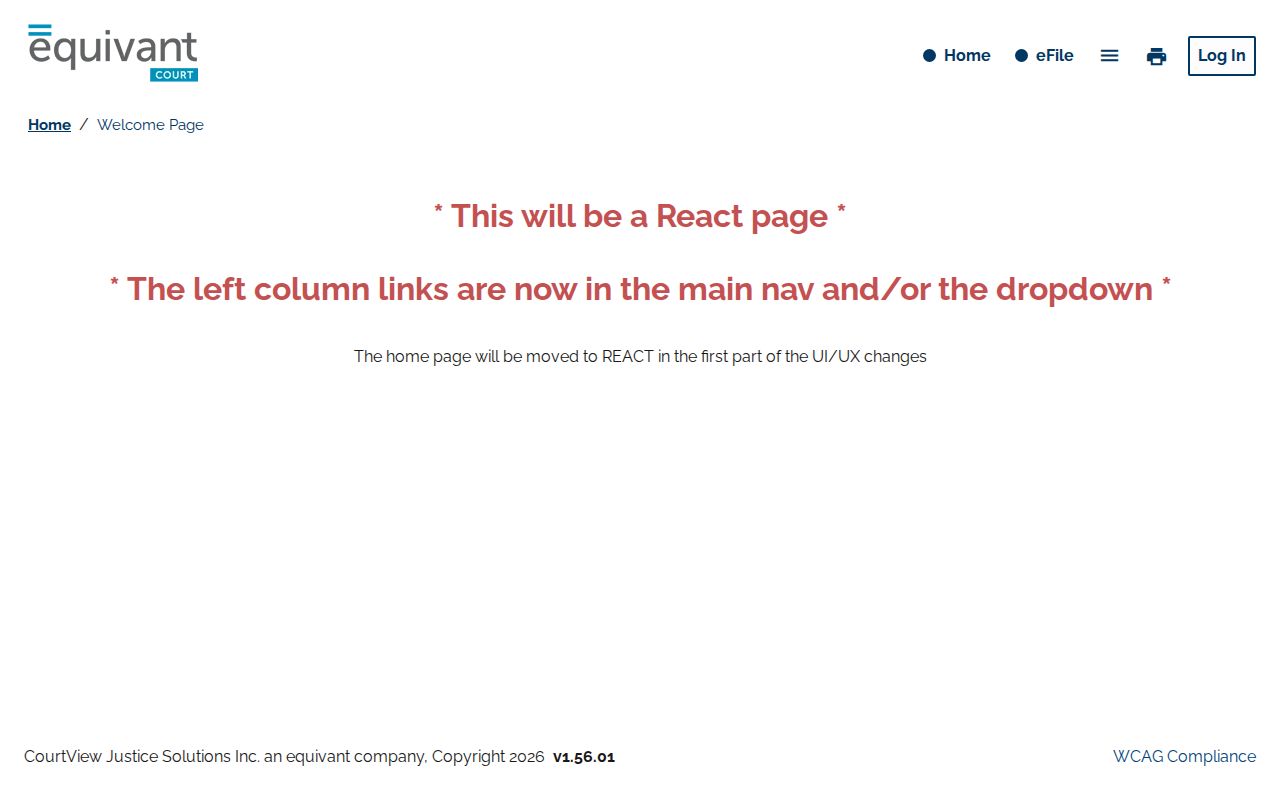
The neutral eAccess capture documents the official entry point while preserving the limitation that its live search mechanics were not verified.
Common Pleas also separately links an eFile Now destination. E-filing and public case lookup are related court services but are not proof that the same public fields, documents, or access rules apply to both.
See the Gallianet eAccess eFile login interface published from that separate route.
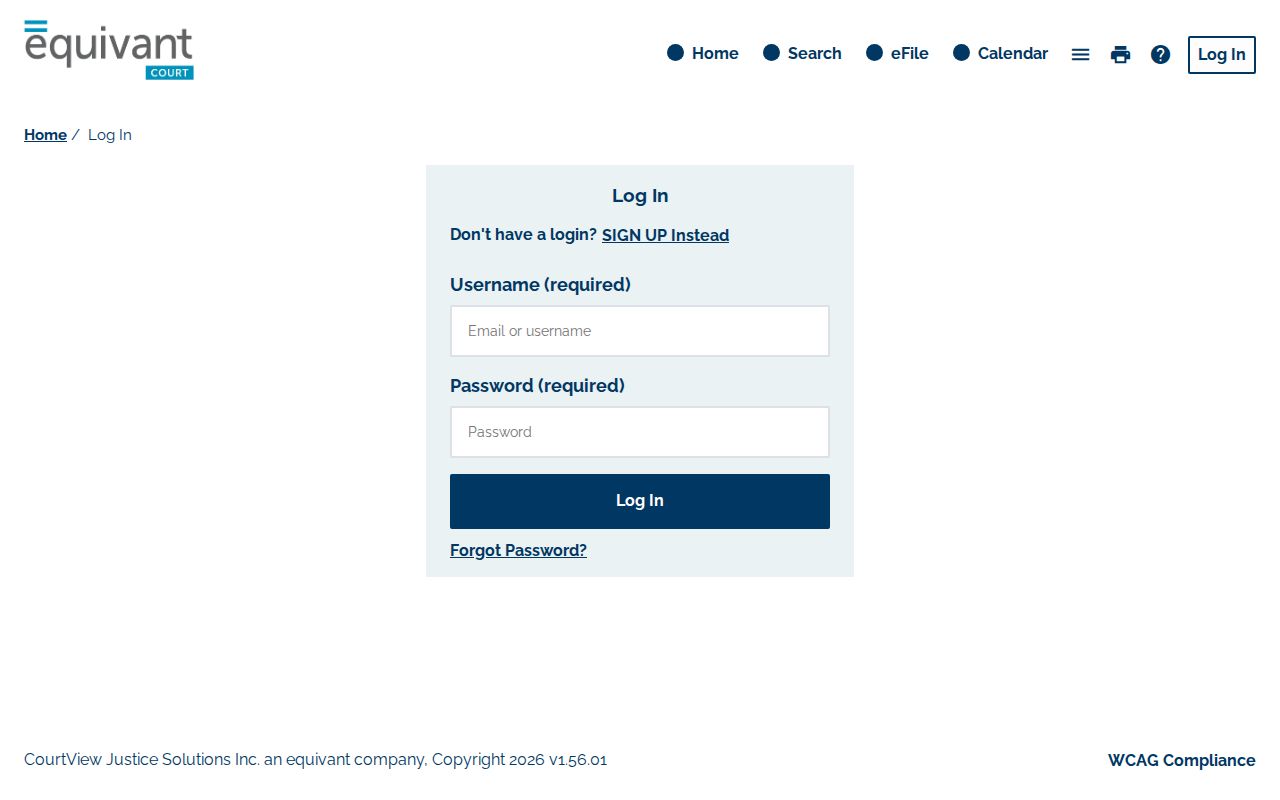
The separate login view is a reminder to use the court's Case Search link for a lookup and to obtain current filing instructions directly from the court or clerk.
Searching by Case Number
A case number is the most precise identifier to preserve from a court notice, but no public Gallia portal-number syntax was captured in this research. For Common Pleas General Division, Local Rule 1.17 requires the computer record to carry a case number and annual civil or criminal categorization, with cases serially numbered within those categories. That rule does not provide a verified public input pattern.
Use the case number exactly as printed on the court paper when the live portal offers an appropriate search choice, and use the same number in a clerk inquiry. Do not alter punctuation, create a code from a year and case type, or assume the CaseLook form accepts a particular citation or number format. Its live search fields were not captured after disclaimer acceptance.
Gallia County CaseLook Record Search Starts With a Disclaimer
CaseLook is the court-authorized Municipal Court landing page for Record Search, Hearing Calendar, Court Schedule, warrant list, and probation search. Select Record Search when the question is about a municipal case rather than simply a possible hearing date. Before the search session proceeds, the user sees the court's notice and its Cancel and Continue choices.
See the Gallipolis Municipal Court CaseLook landing page.
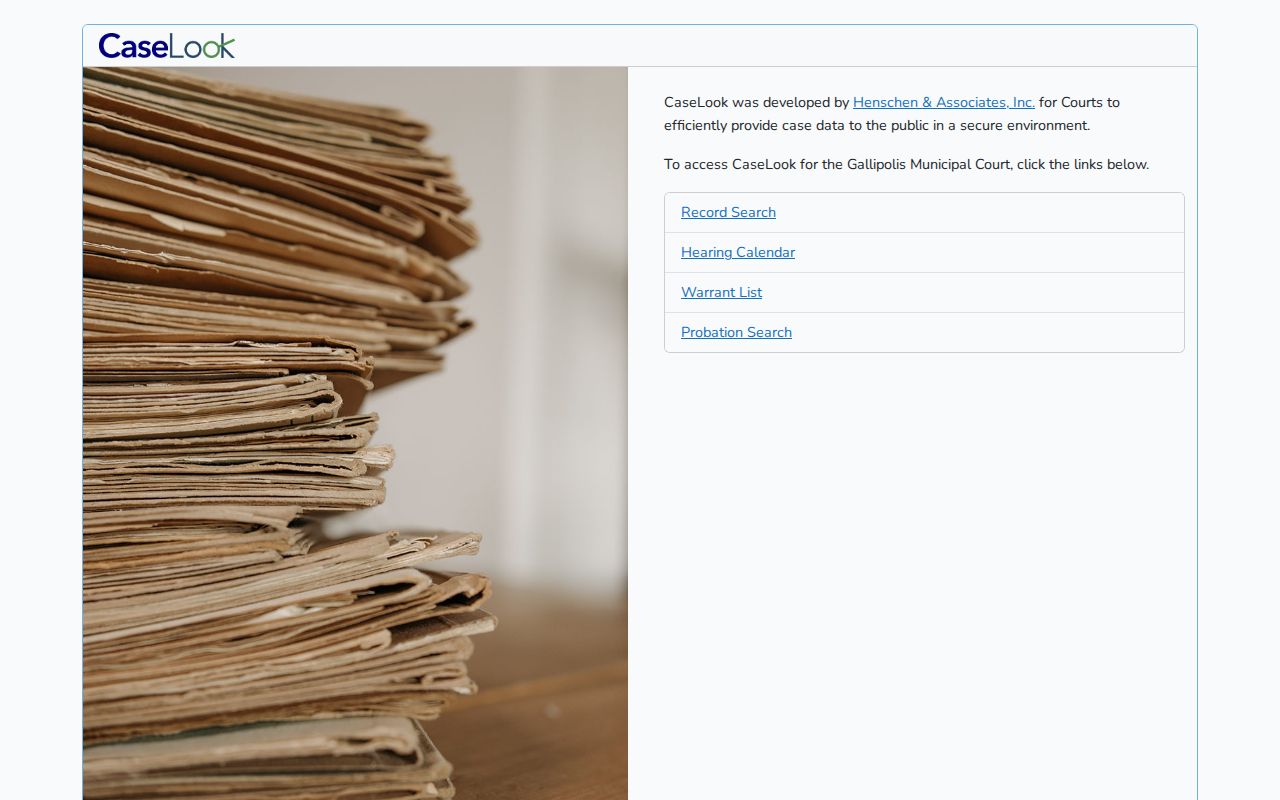
The landing interface separates a record lookup from the calendar and schedule tools, which prevents a date search from being mistaken for a case-record search.
The Record Search entry notice warns that computer record information may lag a filing or judicial action by at least 24 hours and may change without notice. It directs a person who needs verified information to send a request to, or visit, the Municipal Court. The research did not capture the fields displayed after acceptance, so no name, case-number, citation, party, payment, or document option is assumed here.
See the CaseLook Record Search disclaimer interface.
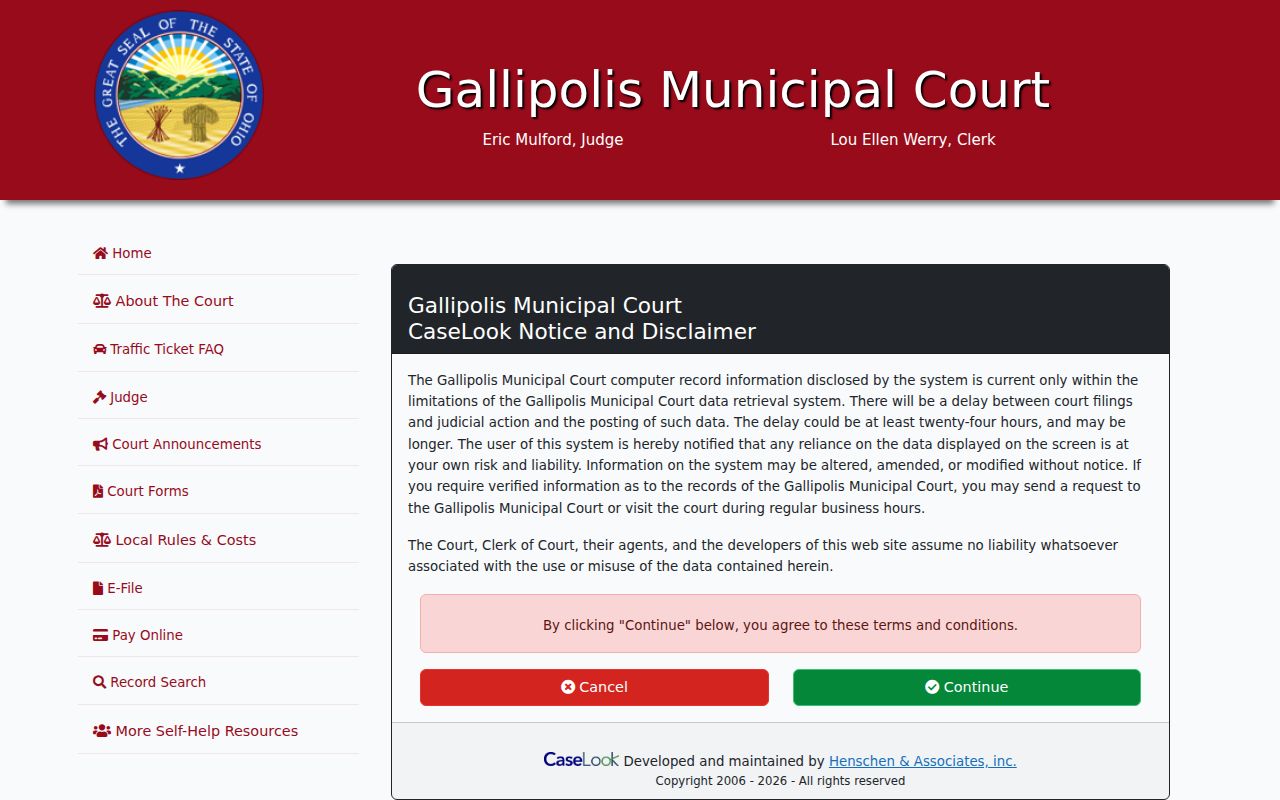
The disclaimer is part of the local search process and explains why a recent court action should be confirmed with the court before relying on an online display.
What a Gallia County Case Search Returns
What the public portal visibly returns is not fully known for either eAccess or CaseLook. The safer description comes from the Common Pleas local rules, which define the appearance docket and computer case record. A result or detail screen should be read as an aid to identifying the case, then checked against the court-maintained record when a specific date, filing, or copy matters.
| Case number and category | Rule 1.17 requires a Common Pleas computer record with a case number and annual civil or criminal category; the eAccess display label was not captured. |
|---|---|
| Assigned judge | Rule 1.15 requires the Common Pleas appearance docket to show the assigned judge. The portal's result layout is unverified. |
| Filing purpose | The appearance docket records the nature or purpose of filings. Do not assume CaseLook presents the same detail. |
| Scheduling history | For pending General Division matters, Rule 1.17 covers pretrial, trial-assignment, continuance, decision, and final-entry dates. |
| Case-ending entry | Rule 1.15 identifies judgment, final entry, and dismissal entry as Common Pleas ending labels. Images, downloads, and status fields were not verified. |
Gallia County Common Pleas Computer Record Terms
Gallia Common Pleas uses two useful local labels. The appearance docket identifies the assigned judge and the nature or purpose of filings. The computer case record is required for each pending General Division case and preserves scheduling and outcome dates. These rules explain why the newest entry, rather than a remembered caption alone, is the useful point of comparison.
- Appearance docket
- The running Common Pleas record that identifies the assigned judge and the purpose or nature of filings.
- Continuance
- A court-approved move of a scheduled date; its details belong in the Common Pleas computer record.
- Final entry
- A case-ending entry whose date the pending-case computer record is required to retain.
Statewide vs County Case Search
Ohio does not provide one public statewide trial-court case-search portal that returns every Gallia County trial-court case. A search begins with the court that owns the record. The Ohio Supreme Court directory can help locate courts and local rules, but it is not a statewide results database for a municipal ticket or a Common Pleas case.
| Statewide resource | Gallia County route |
|---|---|
| No universal Ohio public trial-court result portal was identified. | Use eAccess for Common Pleas or CaseLook for Municipal Court, based on the case court. |
| The Ohio Supreme Court directory is a court and local-rule locator. | Use the linked local portal or clerk for the court-maintained record. |
| An appeal has its own appellate docket. | Fourth District Court of Appeals activity is separate from the trial-court case record. |
A Gallia County Court Search Is Not All-Ohio
The local division check avoids several dead ends. Probate has a separate court office, and no public probate record-search interface was identified in the reviewed sources. Juvenile files are confidential under Gallia's local rule unless the judge permits inspection, so an ordinary public lookup should not be expected. An appellate matter is also separate: Gallia lies in the Ohio court system's Fourth District appellate area.
If eAccess or CaseLook does not show the expected record, do not conclude the matter is absent. The wrong court, a restriction, the age of the file, a data migration issue, or the local portal's posting limits can affect visibility. Ask the court office that owns the case how to examine or request the particular record.
Access and Restricted Cases
Ohio Rules of Superintendence 44 through 47 begin with a presumption of public access to court records, but that does not mean every record, image, historical file, or personal identifier appears remotely. The rules distinguish direct inspection or copying during business hours from remote access and allow restrictions. The official Public Access Rules are the statewide framework for court records.
Gallia's sharp local boundary is Juvenile Court: its files are confidential and unavailable for public inspection without the judge's permission. Sealed, expunged, restricted, and confidential records are not interchangeable. For an adult record with a possible restriction, follow the court's procedure or the relevant Ohio rule or statute rather than trying to recreate the information from another source. The county's general public-records policy is not a substitute for the court's record-access process.
The Gallia County Clerk Verifies a Record
Online results are a starting point for a focused request, not a certified answer. Under Common Pleas Local Rule 1.13, the Legal Division allows examination of an original document or case file it maintains during regular business hours, without removal of the original. Ask for the particular case number, document title, or entry date and whether an ordinary or certified copy is needed. The rule requires a photocopy fee, but the current Common Pleas amount was not located in the reviewed source.
See the Common Pleas links page that publishes the Case Search and eFile routes.
The official links page connects the Common Pleas search route with the court that publishes it; it does not verify the fields exposed in a live search session.
For a municipal record, CaseLook directs a person needing verified information to submit a request or visit the court. The Gallia County Clerk of Courts, Legal Division is at 18 Locust St., Gallipolis, at (740) 446-4612, Monday through Friday from 8 a.m. to 4 p.m. It also publishes fax (740) 441-2932 and clerkofcourts@galliacountyoh.gov; ask how it wants a focused copy request sent. Gallipolis Municipal Court is at 518 Second Ave., Gallipolis, at (740) 446-9400, Monday through Friday from 7:30 a.m. to 4 p.m.